From the omnibox to the Bikram Sambat calendar — here's everything Pako does, in plain language.
Open tabs with Ctrl+T, close with Ctrl+W. Tab stacking keeps many tabs tidy inside the window width, pinned tabs stay icon-only, and a memory saver suspends background tabs to save RAM.
Type a URL or a keyword — Pako navigates or searches automatically. Matching history, domain completions and suggested keywords appear as you type, with keyboard support throughout.
Niguro is the default — Nepal's independent search engine. Add or switch to Google, Bing, DuckDuckGo, Startpage and more, any time.
Ctrl+Shift+N opens a private window with its own temporary profile — deleted when the window closes. No history, no cookies, no trace. Third-party cookies are blocked by default.
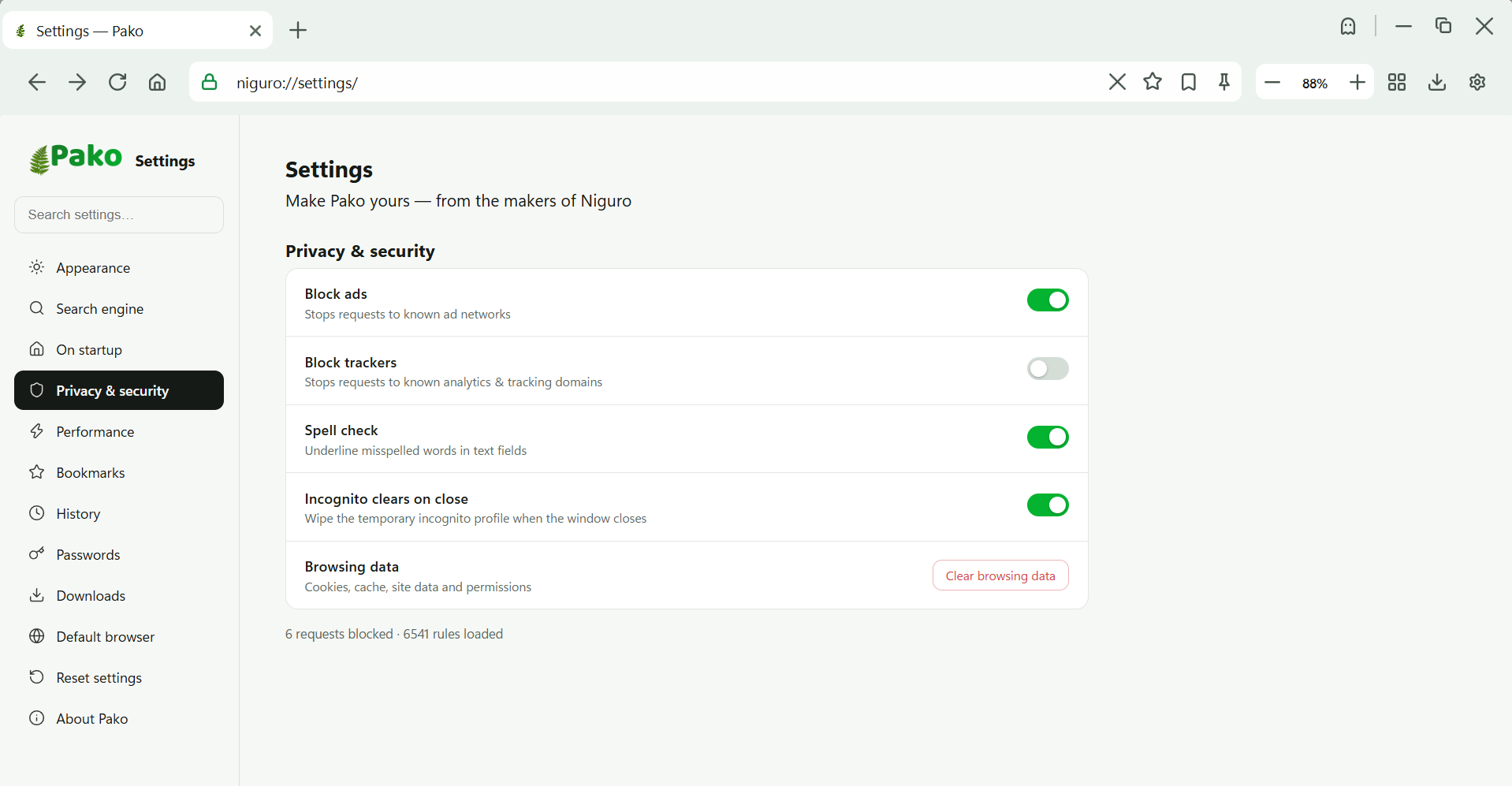
Block ads and trackers with a toggle, see live counts of what's blocked, and disable protection for specific sites when you need to.
Shortcuts, wallpaper, history and preferences live only on your device. Pako never uploads your browsing data to Niguro or anyone else.
Niguro search, up to 8 shortcuts, festival countdowns, wallpapers and quick links — everything you open first, ready before you click.
A full offline Nepali calendar with AD↔BS conversion — same core system as niguro.com/miti. Dates in both 2083 Bhadra and September, side by side.
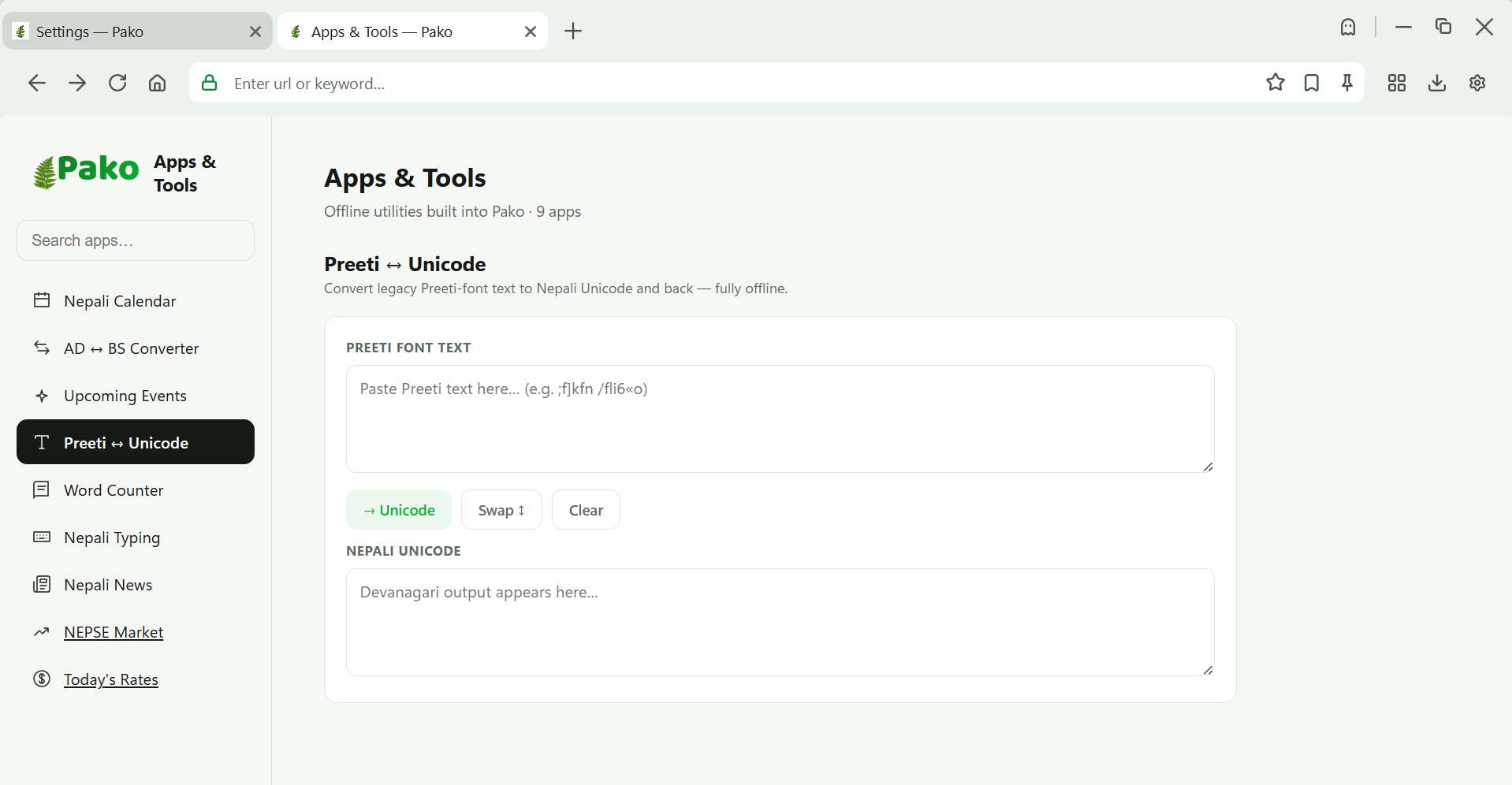
Word counter, sentence counter, AD↔BS conversion and more — tools that work without internet, and a growing library for the future.
Copy a phone number, a USD amount, a date or a location — right-click options convert, translate or open the right action instantly.
Bookmark with Ctrl+D, searchable history grouped by day, and clear by time range — an hour, a day, a week or a month.
Downloads tracked with progress, open-folder access, and a quick dropdown — plus future pause/resume and file categorization.
Ctrl+T new tab · Ctrl+W close · Ctrl+D bookmark · Ctrl+H history · Ctrl+Shift+N incognito · Ctrl+U view source · Ctrl+F find · F12 dev tools · F11 fullscreen.
View source (Ctrl+U), find on page (Ctrl+F), print to PDF, page screenshots, dev tools (F12) and QR codes for the current URL.
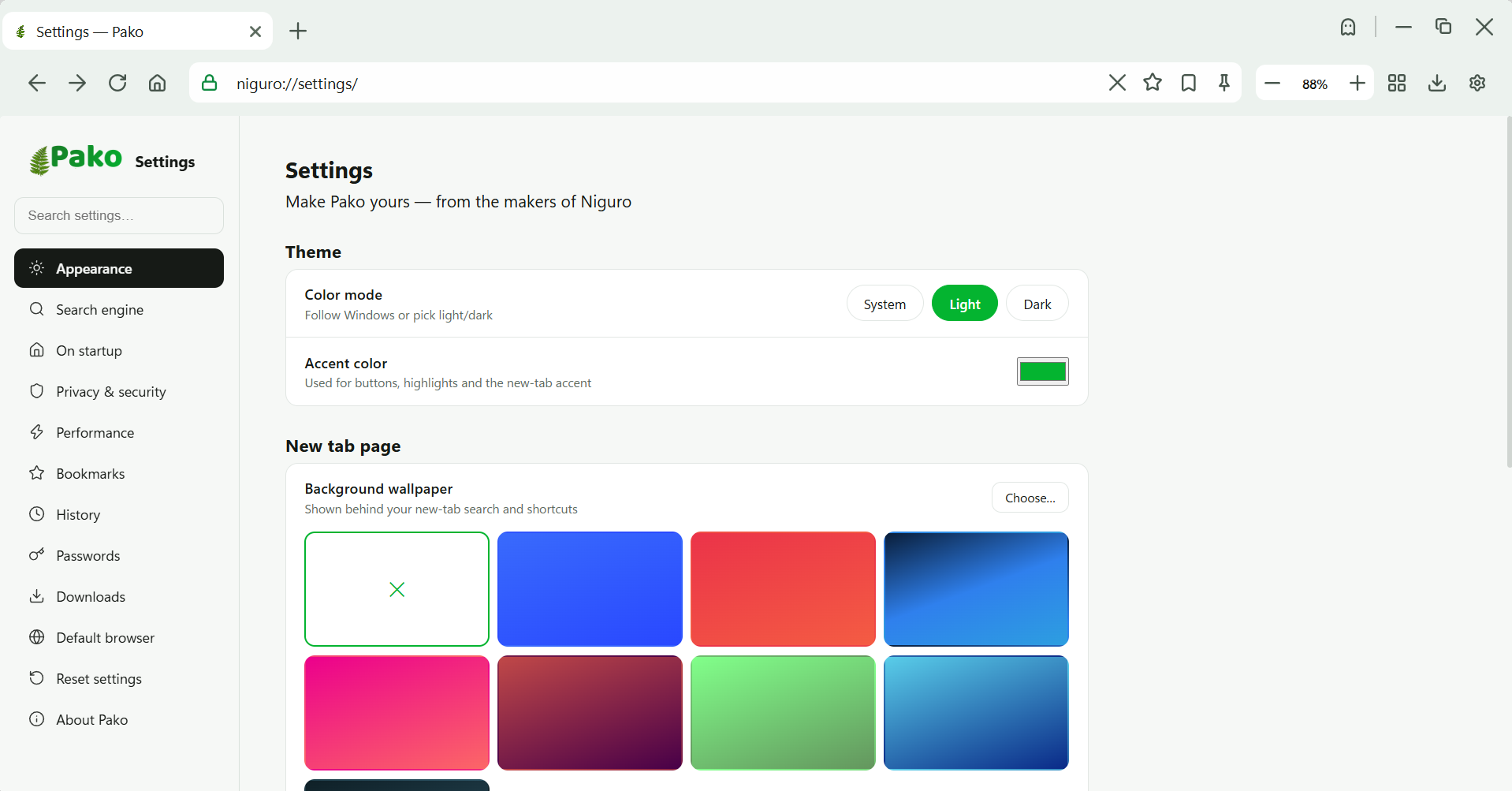
Light, dark or system theme, custom accent colours, and wallpaper mode — the whole browser follows your choice, including internal pages.
Save passwords locally, encrypted on your device, with autofill on supported sites. Never synced unless you choose to — and never in incognito.
Windows 10 or Windows 11, 64-bit. No admin rights needed to install.
Under 100 MB install. Light on RAM, with a memory saver for background tabs.
Free forever. No account needed to start. Nepal's first browser is one download away.
Download for Windows